media_gallery
An image grid or a carousel.
Pictures, when the pictures are the answer. media_gallery takes one to twelve https images and lays them out as a grid or a carousel.
The grid fills its last row rather than leaving a hole where a picture should be, so five images read as one composed block instead of three plus two.
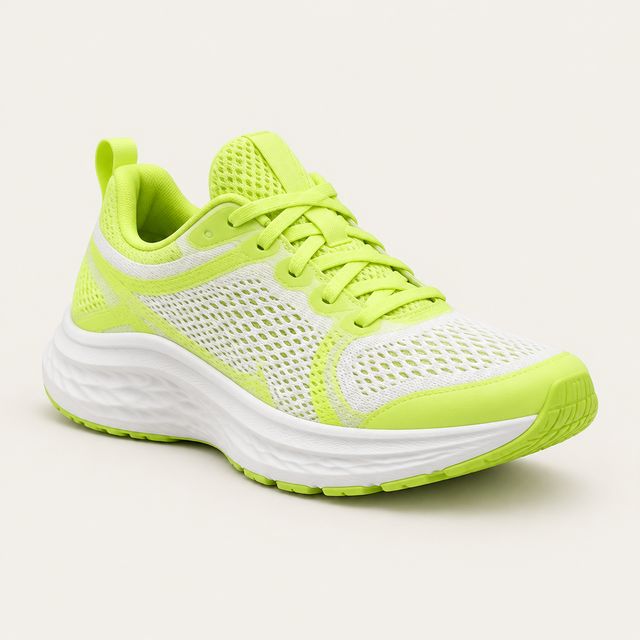
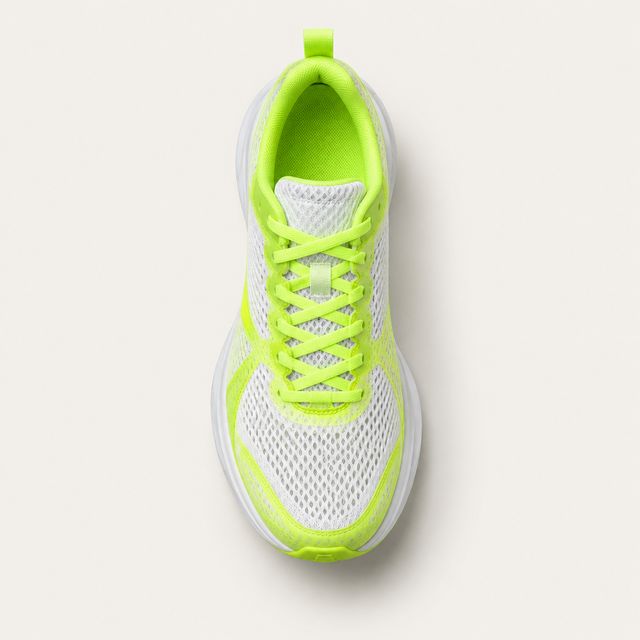
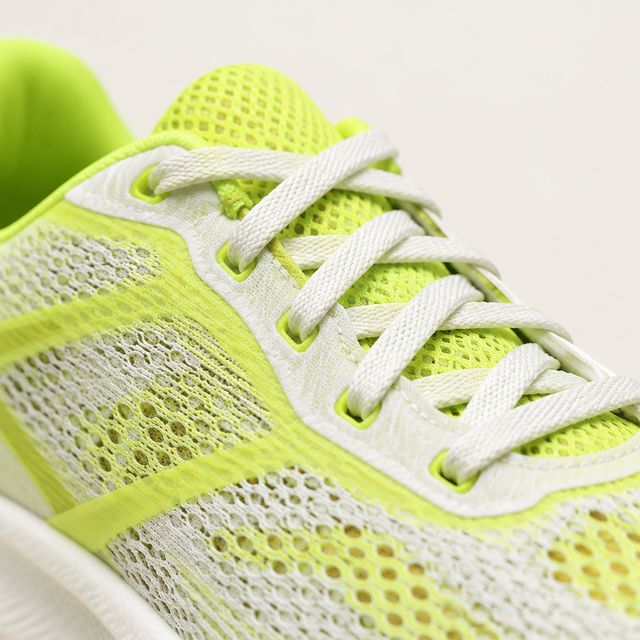
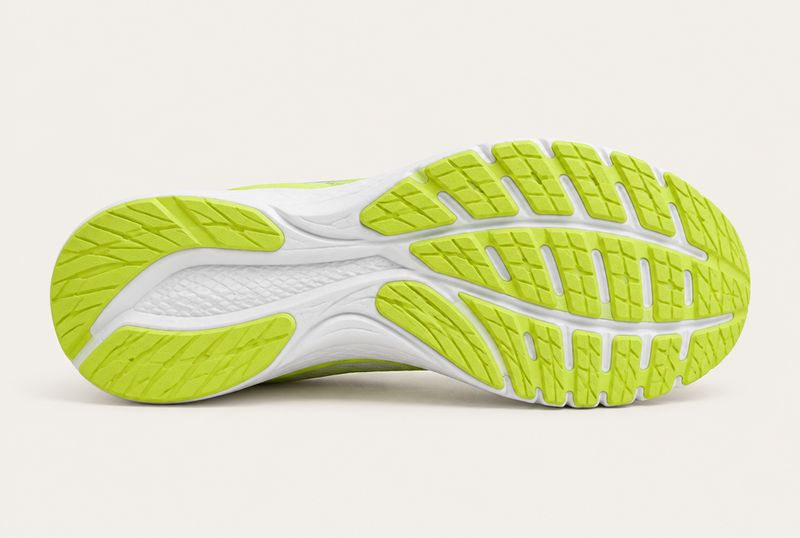
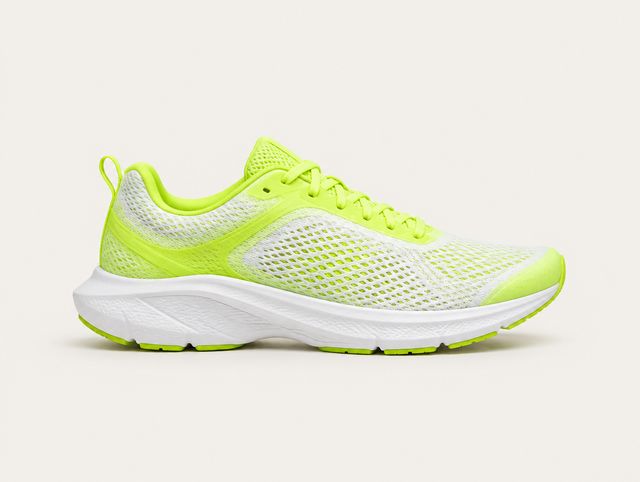
Re-rendered in the browser from the SDK’s own scales. Not a screenshot.
Rendered natively by the Flutter SDK and the Web SDK, both since 0.1.0.
When not to use it
Do not use it for a single product shot with a price. That is product_cards, which puts the image in context.
Do not use it as a hero above details either. A picture with a title, a time and a place under it is booking_card.
Props
Every block also carries type and a required fallback_text of 1 to 300 characters.
| Prop | Type | Required | Constraints |
|---|---|---|---|
images | array | Yes | 1 to 12 entries. |
images[].url | string | Yes | https only. Anything else fails validation server-side. |
images[].alt | string | No | Up to 160 characters. Supply it. |
layout | grid | carousel | No | Defaults to grid. |
On the wire
{
  "id": "blk_16",
  "type": "media_gallery",
  "fallback_text": "Five photographs of the Aero Glide 2.",
  "props": {
    "layout": "grid",
    "images": [
      {
        "url": "https://cdn.example.com/aero-side.jpg",
        "alt": "Aero Glide 2 from the side"
      },
      {
        "url": "https://cdn.example.com/aero-sole.jpg",
        "alt": "The outsole tread pattern"
      },
      {
        "url": "https://cdn.example.com/aero-heel.jpg",
        "alt": "Reflective heel counter"
      }
    ]
  }
}
Interaction
None. Images are not tappable and there is no lightbox. A carousel scrolls horizontally.
States
| State | What the SDK draws |
|---|---|
| Loading | Tile-shaped placeholders that breathe while the images decode, then each frame fades in rather than hard-cutting. |
| Empty | An empty images array renders fallback_text bare, without a plate. |
| Image broken | That tile holds a sunk rectangle with a broken-image glyph. The rest of the gallery is unaffected. |
Accessibility
alt is the image's accessible name and reaches the screen reader directly. Without one an image falls back to "Image 3 of 5", which is a position rather than a description. Supply alt.
fallback_text should say what the set shows and how many there are.