item_list
Tappable rows with a thumbnail and a trailing value.
A list of things, each of which can be opened. item_list is the answer to "show me my orders", "which sizes are in stock", "what did I buy last month". A row per item, a value on the right, and a tap that continues the conversation.
It is the densest block in the catalog that is still comfortable to hit with a thumb.
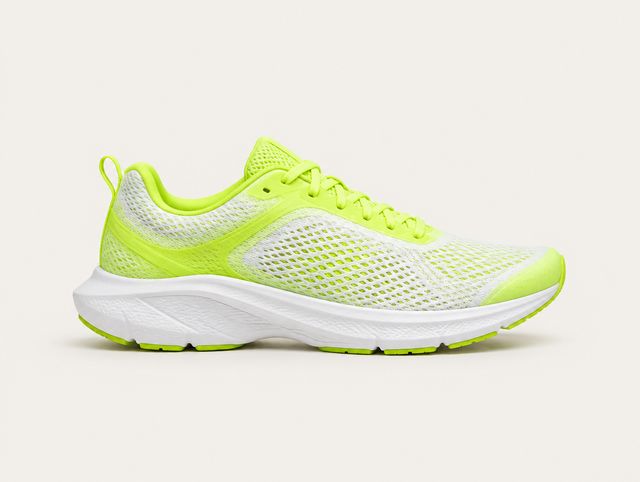
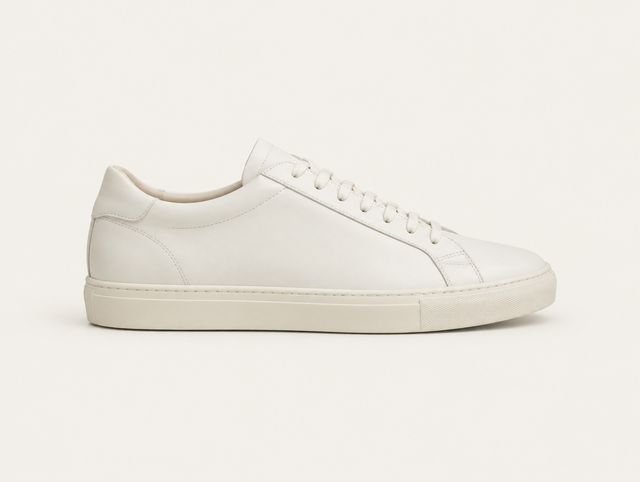
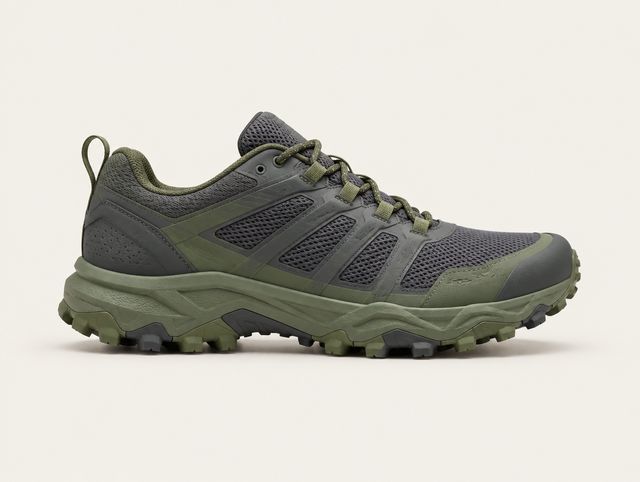
Re-rendered in the browser from the SDK’s own scales. Not a screenshot.
Rendered natively by the Flutter SDK and the Web SDK, both since 0.1.0.
When not to use it
Do not use it to browse products. A list row gives an image 40pt and no room for a badge; product_cards exists for the case where the picture is doing the selling.
Do not use it for numbers that need comparing across columns, which is table, and do not use it for a sequence of states over time, which is order_tracker.
Props
Every block also carries type and a required fallback_text of 1 to 300 characters.
| Prop | Type | Required | Constraints |
|---|---|---|---|
items | array | Yes | 1 to 12 entries. |
items[].image_url | string | No | https only. |
items[].title | string | Yes | 1 to 120 characters. |
items[].subtitle | string | No | Up to 200 characters. |
items[].trailing | string | No | Up to 40 characters. Rendered with tabular figures. |
items[].action | action | No | { kind: "reply", text } or { kind: "open_url", url }. See Actions. Omit it and the row is not tappable. |
On the wire
{
  "id": "blk_03",
  "type": "item_list",
  "fallback_text": "Two recent orders: 1042 and 1039.",
  "props": {
    "items": [
      {
        "image_url": "https://cdn.example.com/aero-glide-2.jpg",
        "title": "Aero Glide 2, size 43",
        "subtitle": "Order 1042 · out for delivery",
        "trailing": "$129",
        "action": {
          "kind": "reply",
          "text": "Track order 1042"
        }
      },
      {
        "image_url": "https://cdn.example.com/court-low.jpg",
        "title": "Court Low, size 42",
        "subtitle": "Order 1039 · delivered 12 Aug",
        "trailing": "$95",
        "action": {
          "kind": "reply",
          "text": "Return order 1039"
        }
      }
    ]
  }
}
Interaction
A row with an action is a button: it presses, it announces its title, subtitle and trailing value as one label, and it clears 44pt. A row without one is plain content and does not pretend otherwise: no press response, no button role.
Legal kinds are reply and open_url. Both execute: open_url opens the page in an in-app browser, or goes to your RendelConfig.onOpenUrl when you set one. https only.
States
| State | What the SDK draws |
|---|---|
| Loading | Three rows of thumbnail plus two text bars, at the real row height. |
| Empty | An empty items array renders fallback_text inside the plate rather than a 2pt bordered sliver. |
| Image broken | The thumbnail slot holds a sunk rectangle with a broken-image glyph. It never leaves a silent grey square that cannot be told apart from a bug. |
Accessibility
fallback_text should say how many rows there are and what they are, not repeat every one: "Two recent orders: 1042 and 1039." Each row announces its own content.